
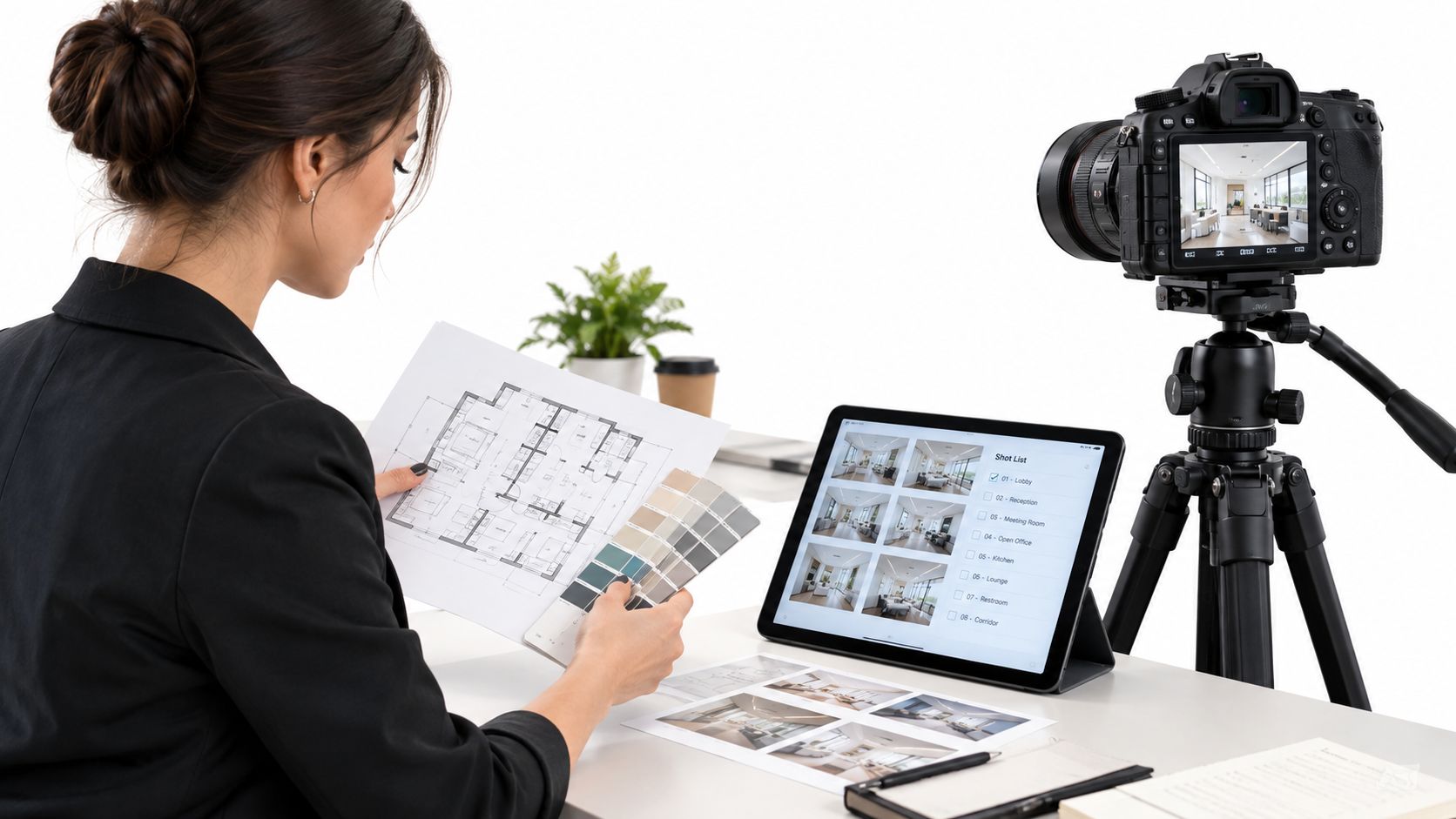
A project manager opens a shared folder six months after handover, looking for proof that a finished ceiling, a joint, or a room layout looked a certain way. The folder is full of handsome JPEGs. None of them show the joint from a known viewpoint, and none carry a date, a room name, or a rights note a later reviewer can trust.
That gap is what photography documentation is built to close. The images are only half the deliverable. The shot list, the metadata, the file structure, and the rights records decide whether someone who was never on site can still use the record years later.
If the next shoot is being scoped like a brochure session, the archive will look finished and still fail the first question a contractor, an architect, or a school administrator asks.
What Photography Documentation Means for Built Projects
Photography documentation is systematic photography that records a physical condition, a place, or an activity so someone who was never on site can verify it later. On a built project it works like a site diary in which every entry is a calibrated photograph instead of a sketch.
A single frame proves little on its own. The shot list fixes which viewpoints were covered, the metadata pins each frame to a date and a room name, the file structure lets a stranger find the right frame without help, and the rights record states who may reuse it and for what. That surrounding system is what separates a record from a gallery of nice pictures.
A brochure shot picks the most flattering angle and clears the clutter. A documentation shot covers the whole space in its typical state and keeps what the camera saw, stains and all.
Photographs have preserved evidence of buildings and public life at a scale written description cannot match. The Prints and Photographs Division at the U.S. Library of Congress holds millions of photographs, prints, posters, and architectural and engineering drawings, including federal survey records of American buildings and structures. Same job, national scale.
Three triggers account for most commissions: a project milestone, a handover, or a dispute.
A documentation photo answers a question, while a marketing photo answers a feeling.
If the image must prove something later, commission documentation. If it must sell something now, commission promotion. If it must do both, brief two separate shoots.
As-Built, Progress and Editorial Shoots Compared
Each shoot type answers a different question. An as-built set asks whether the finished building matches the drawings. A progress set asks what changed since the last visit. An editorial set asks what story the finished space tells.
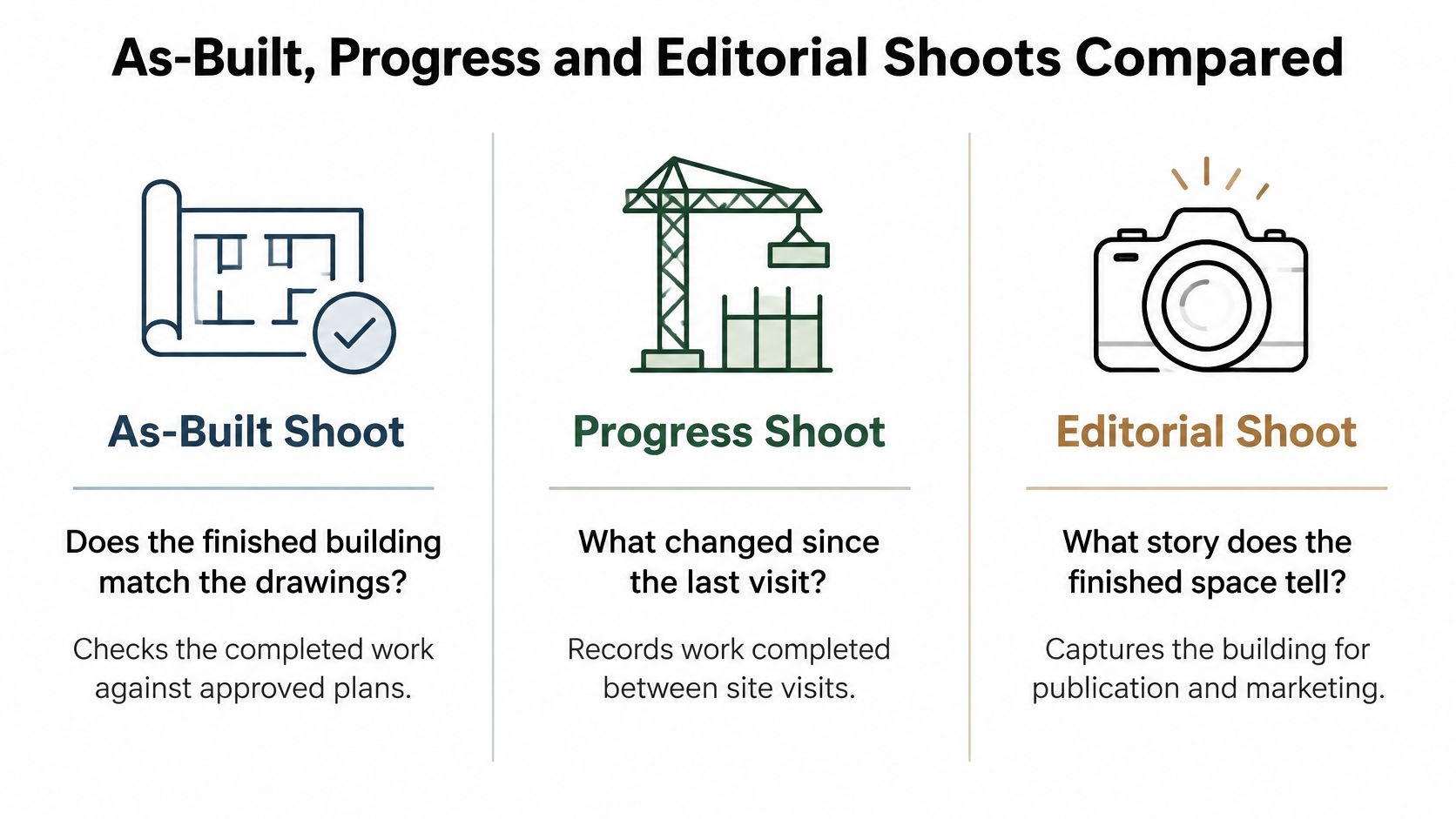
Shoot types compared by purpose and output
| Shoot type | Question it answers | When to shoot | Typical deliverables | Repeat cadence |
|---|---|---|---|---|
| As-built | Does the finished building match the drawings? | After substantial completion and before handover | Full exterior and interior sets, detail shots of joints, finishes and fixtures, access points | Once, plus a refresh after major alterations |
| Progress | What changed since the last visit? | At fixed intervals or at each milestone such as structure, envelope and fit-out | Same viewpoints repeated each visit, dated sets, aerial elevations where permitted | Weekly to monthly on active sites, set by the milestone schedule |
| Editorial | What story does the finished space tell? | After handover or occupancy, timed to a publication or campaign | Hero images, detail vignettes, people in context, layouts for print and web | Once per campaign |
A contractor closing out a job needs the as-built set. An owner or a lender who wants proof of pace needs the progress series. A campaign launch needs the editorial set. Mixing those briefs on one day is how sightlines get skipped and styled rooms get filed as records.
A finished building often needs both an as-built set and an editorial set, shot on different days. Styling, crew, and occupancy don't match. Occupied buildings limit access and push the window to early morning or after hours.
Progress sets only work when each viewpoint is repeated from the same position. Mark the tripod spots on the floor plan at the first visit, then reuse those marks. A construction progress photography series is useful only when the first and last frames can be compared directly. If the camera has drifted a few feet, the comparison fails.
File Deliverables and Technical Specs for the Brief
A single JPEG is a weak deliverable. It is a compressed copy, and the detail and tonal range you may need for a later edit or a dispute have already been reduced.
The chain that protects the record runs from an untouched RAW file, through a 16-bit TIFF master with the color profile embedded, to a print file, a web derivative, and a caption sheet with one row per image. The Library of Congress recommended formats guidance calls for the highest available resolution without rescaling or interpolation, 16 bits per channel when available, and an embedded color profile or an explicit color space. Higher bit depth gives more tonal code values, which reduces posterization in skies, painted walls, and shadowed interiors. Skipping interpolation keeps the spatial detail the camera captured.
Deliverables, formats and specs for a documentation package
| Deliverable | Format | Resolution and bit depth | Color handling | Primary use |
|---|---|---|---|---|
| Original RAW files | Camera native, such as CR3, NEF or ARW | Full sensor resolution, no resizing | Camera profile recorded in the project notes | Permanent master and future re-editing |
| 16-bit TIFF master | TIFF, lossless | Full resolution, 16 bits per channel where available | Working ICC profile embedded | Archive, print preparation, disputes |
| Print file | High-quality JPEG or PDF | Sized to the output, about 7,200 pixels on the long edge for a 24-inch print at 300 ppi | Output profile for the printer or press | Brochures, plan sets, print media |
| Web derivative | JPEG or WebP | Usually 2048 to 2560 pixels on the long edge | sRGB with profile embedded | Websites, listings, presentations |
| Caption and alt-text sheet | CSV or spreadsheet | One row per image | Not applicable | Search, accessibility and archive indexing |
Write each derivative into the brief by name. Set the color space. Require that the master is not rescaled. Say who keeps the RAW files, and record derivative dimensions, sharpening, and compression in the project notes. Keep the master unchanged.
A planning file or a litigation-sensitive history needs those untouched masters. Web and social files can always be regenerated from them. Brand photography guidelines belong on a separate brief when the same building also has to carry a campaign look.
Lighting, Staging and Color Control on Site
In documentation, consistency beats drama. A later shoot has to match an earlier one, or the archive starts to look like the materials changed when only the light did.
Mixed bulbs are the usual culprit. Warm LEDs beside daylight throw a cast onto white plaster or grey concrete, and that cast can read as a material change years later. Fix the lighting setup for each space, shoot daylight work at the same time of day, and keep a color reference in frame.
Lighting and staging choices by site condition
| Site condition | Lighting approach | Staging move | Main risk |
|---|---|---|---|
| Bright interiors with large windows | Shoot at dusk or blue hour, balance with interior lights | Close blinds to even out window brightness, remove clutter | Blown-out windows and uneven exposure |
| Neutral finishes such as white walls or grey concrete | Consistent daylight plus controlled fill | Place a color reference card in the setup frame | Color casts from mixed bulbs |
| Branded corporate space | Match existing lighting temperature, swap bulbs if needed | Show brand elements in frame without props that date the shot | Brand color drift between shoots |
| Active construction site | Work around crew hours, add flash for detail shots | Clear debris from sightlines, wait for equipment to move | Safety limits and changing conditions |
Large windows need a specific fix, not a hope. Exposure bracketing, or a dusk window with interior lights brought up, keeps both the glass and the room. On an active site, floodlights and work lights fight each other, and crew movement changes the frame between exposures. Balance the flash to those work lights, and don't shoot a detail until the sightline is clear.
Color control sits in device profiles, not in picking sRGB or Adobe RGB by name. The International Color Consortium describes how input devices, displays, and output systems represent color, so a color-management system can transform device-dependent data through a device-independent connection space. Calibrate the monitor before retouching. Photograph a color reference under the project lighting, build the camera profile at raw conversion, soft-proof the print or publication, and export the web file in the required space with the profile embedded. Profiles that follow ISO 15076-1 stay interoperable when a conforming color-management module reads them. That turns color correction from a personal preference into a process the next editor can repeat.
How to Run a Documentation Shoot From Scouting to Metadata
The field sequence below is the part most brochure shoots skip. Scout in the light you will use in practice, then lock viewpoints before anyone starts moving furniture.
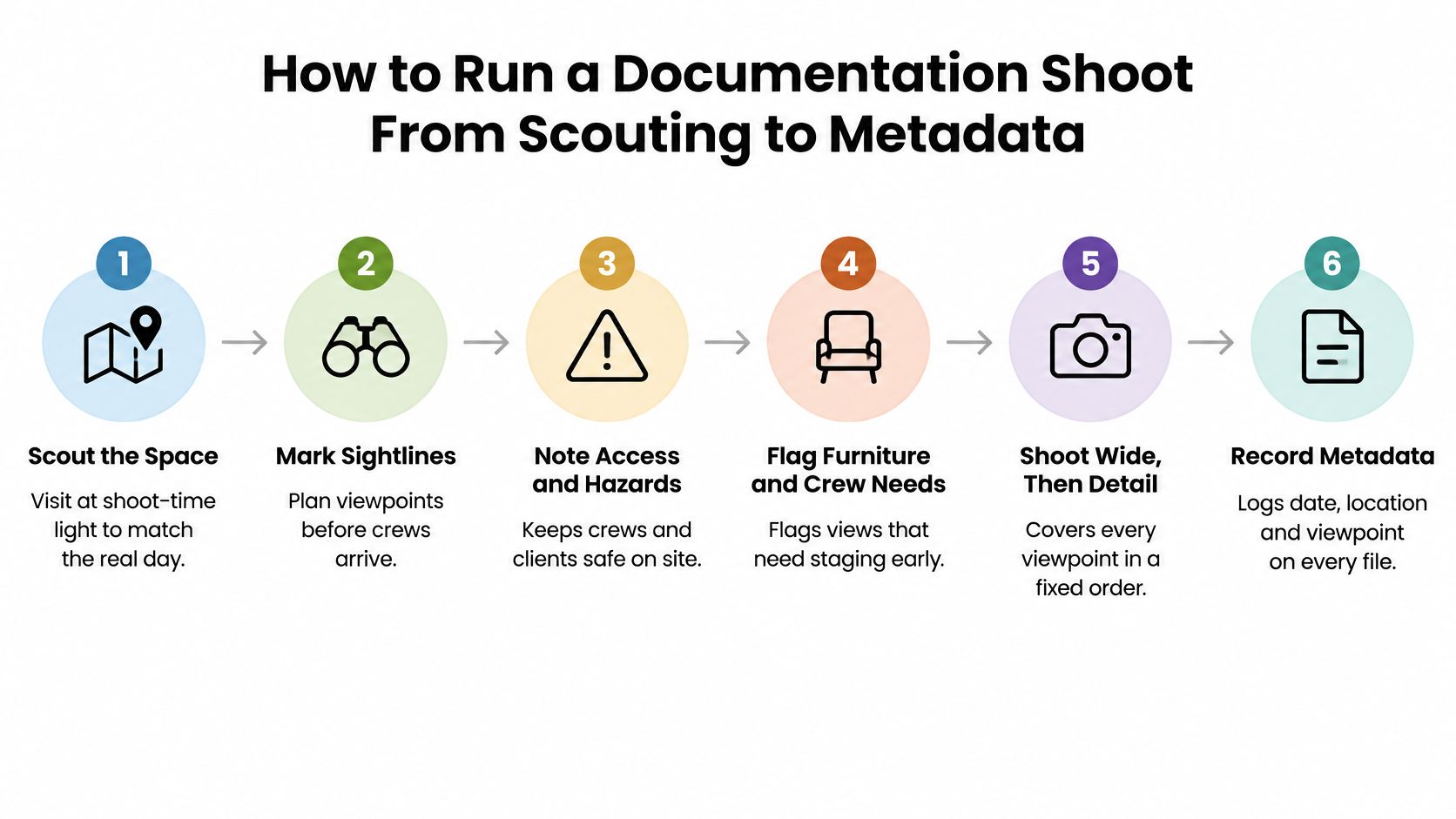
The seven steps and why each one exists
- Scout at shoot time. Walk the space in the light the shoot will use, mark sightlines, and note access, hazards, and views that need furniture or crews moved. A noon scout won't predict a late-afternoon facade.
- Build a shot list on the floor plan. Number each viewpoint, mark camera position and direction, and list detail shots of materials, joints, and fixtures. An unnumbered list gets abandoned once the day runs long.
- Plan the light. Choose the daylight window or the interior mix, and schedule bulb checks before call time. Guessing the mix on site is how neutral walls pick up a cast.
- Stage and mark. Clear surfaces, set tripod marks for repeat visits, and place a color reference card in each setup. Those marks are what make a later visit comparable.
- Capture in list order. Shoot one frame per shot-list item and log position, orientation, time, and a short note. Bracket high-contrast interiors so a window doesn't erase the room.
- Name and tag at ingest. Use a filename with project, level, room, viewpoint, date, and sequence, and write title, location, orientation, and rights status into the metadata. Consistent titles and filenames are also what a later group copyright submission needs, so fix them before anything is filed.
- Hand off one structure. Deliver masters, derivatives, the shot list, and captions in one folder with an index file. A loose gallery forces the next person to rebuild the record from memory.
Active sites change daily. Schedule a re-shoot window and keep the same numbering so the new set can be matched to the old one. The short walkthrough below shows how a fixed order of wide views, then details, keeps a documentation day from drifting into a styling session.
Permissions, Copyright and Keeping Images Usable Long Term
Paying the invoice doesn't, by itself, make the client the copyright owner.
In the United States, copyright in an original photograph begins when the image is fixed. The U.S. Copyright Office guidance for photographers identifies taking the picture as that point of fixation. The photographer is generally the first owner unless a work-made-for-hire agreement or a written transfer says otherwise. The rights at stake are to reproduce, distribute, adapt, and publicly display the work.
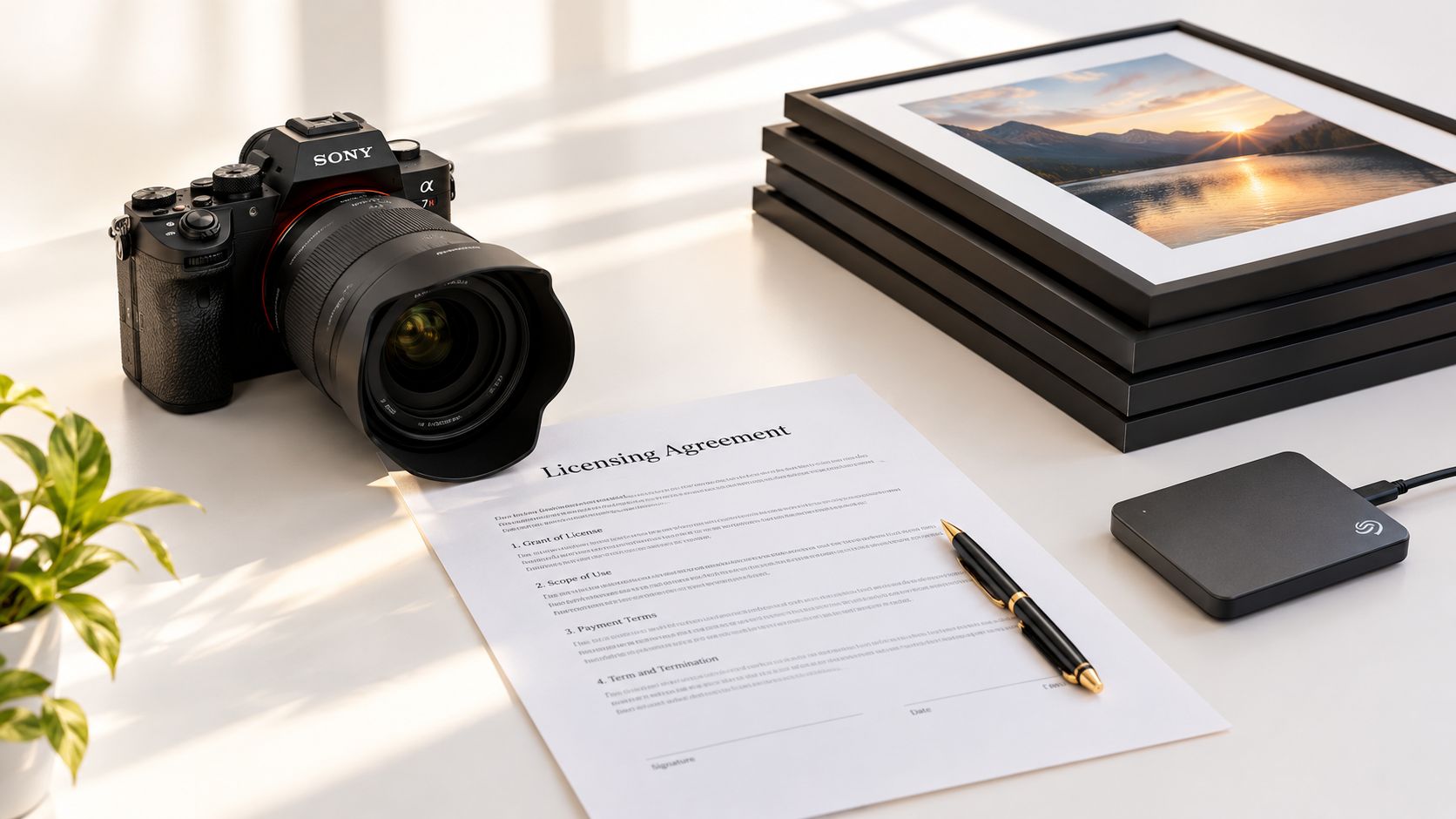
Negotiate four points before the shoot, not after the files arrive.
- License scope: which of those rights the client may exercise, and for which uses.
- Territory and term: where the images may appear, and for how long.
- Portfolio use: whether the photographer may show the work in their own portfolio.
- Releases: model releases for identifiable people, and property or location permission where private interiors, artwork, or a site may appear.
Registration isn't required for protection. The Copyright Office recommends it because it creates a public ownership record and supports additional remedies, including eligibility to bring an infringement claim involving a U.S. work. A group registration of photographs accepts only photographs, can't mix published and unpublished work, is capped at 750 photographs, and needs a list that identifies each photograph by title and file name. The names you set during capture decide whether that archive can be registered later. Check the contract points with counsel in the relevant jurisdiction. A practical map of those choices sits in this note on architectural image rights and licensing.
A backup isn't preservation. Preservation means more than one geographically separate copy, lossless masters, documented color profiles, integrity checks, and a plan to move files when formats change. Accessibility belongs in the same record. W3C image guidance says every informative image needs a text alternative that conveys its essential information, while a purely decorative image uses an empty alternative (alt=""). An image that acts as a link needs text for the action or destination. A complex diagram needs a full text equivalent.
A polished archive still fails if it is unsearchable, legally ambiguous, or stuck on one platform.
Worked Examples for Architecture, Real Estate and Corporate Clients
Three hypothetical jobs show how the brief, not the building type, sets the risk.
An architecture practice is closing out a completed school addition. The client wants an as-built exterior and interior set, detail shots of the finishes, RAW and TIFF masters, web derivatives, and a caption sheet. The shoot is booked for the week the contractor expects to be done. Furniture, signage, and landscaping aren't in yet, so the first visit can't stand as the finished record. The fix is a second visit written into the schedule before anyone treats the early frames as handover proof.
A developer has several units still under construction and one finished model unit. The brief combines a progress series from fixed tripod marks with a listing gallery of that model. On the second floor the camera positions were never logged, so the frames don't line up with the floor below. The fix is to return to the marked plan, reshoot the mismatched viewpoints, and file a dated index with both sets.
A corporate headquarters wants an editorial set featuring people in the workspace. The brief calls for portrait sessions, signed model releases, a branded color check, and a usage term that extends to the company website and internal communications. One department is photographed without releases, so those frames can't be used after launch. The fix is to hold publication of any identifiable person until the release is signed, and to keep the color check with the masters so a later crop doesn't drift.
Documentation briefs by client type
| Client case | Scope | Core deliverables | Main risk |
|---|---|---|---|
| Architecture firm, completed school addition | As-built exterior and interior set with detail shots | RAW files, TIFF masters, web set, caption sheet | Shooting before furniture, signage or landscaping is installed |
| Real estate developer, units under construction | Progress series plus a model-unit listing gallery | Dated progress sets from fixed tripod marks, listing gallery, index file | Frames that do not match across floors because viewpoints were not logged |
| Corporate headquarters | Editorial set with people in the space | Hero images, portrait set, print and web layouts, branded color check | Missing model releases that block use after launch |
The deliverables list decides the cost and the risk more than the number of photographs. A short gallery with masters, an index, and releases will outlast a large gallery that has none of those.
Confirm Your Brief Before Requesting a Photography Quote
Quotes move mostly because of scope, not because one photographer's day costs more than another's.
These are the drivers that change the number.
- Site days and travel: a second floor or a progress revisit adds a day on site.
- Viewpoints and details: more rooms, joints, and fixtures mean more capture and more culling.
- Aerial work: drone coverage adds permits and a separate flight window.
- Lighting and crew gear: mixed interiors and after-hours access need equipment and time.
- Post-production: culling, retouching, TIFF masters, and metadata tagging are line items, not extras hidden in the day rate.
- Usage: a broader term, or a worldwide territory, raises the license fee.
- Rush delivery: a compressed handoff compresses the checking that makes the archive usable.
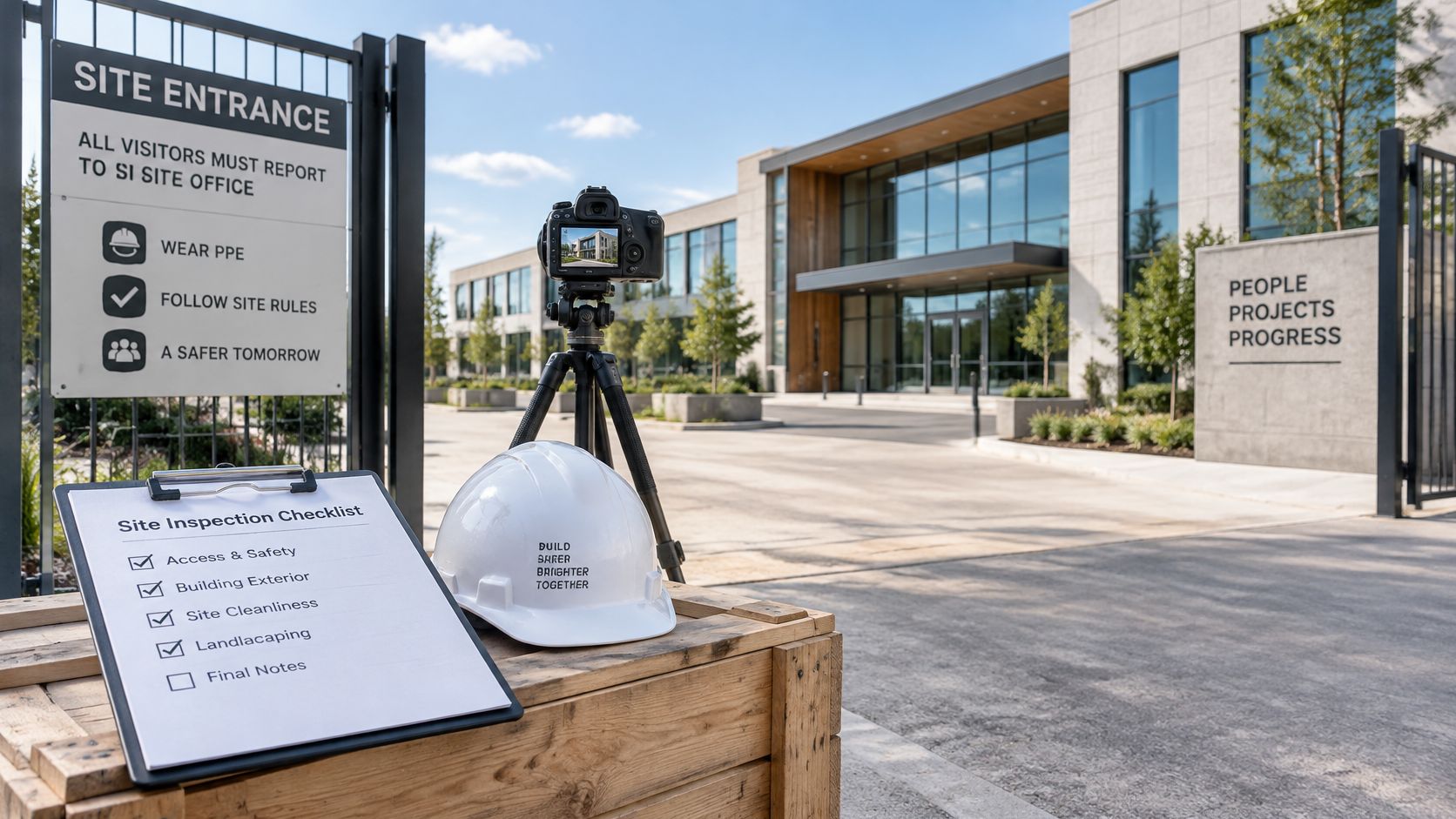
Before you ask for prices, lock five checks. Ask for a shot list tied to the floor plan. Request a sample archive that shows filenames and metadata. Confirm who holds the RAW files and the masters. Require a release plan for people and property. Agree on a color reference method.
Write a one-page brief with the purpose, the deadline, the spaces, the shoot type, the deliverables, and the rights you need. Request every quote against that same brief so the prices can be compared.
Jimmy Clemmons Photographer documents building exteriors, interiors, and spatial details for architecture, construction, and corporate clients, with scouting notes that record viewpoints, access, light, and site hazards before the shoot day. That workflow matches the shot lists, file handoffs, and rights records this guide treats as part of the deliverable, not as an afterthought. Visit Jimmy Clemmons Photographer to scope a documentation brief for your next project.