
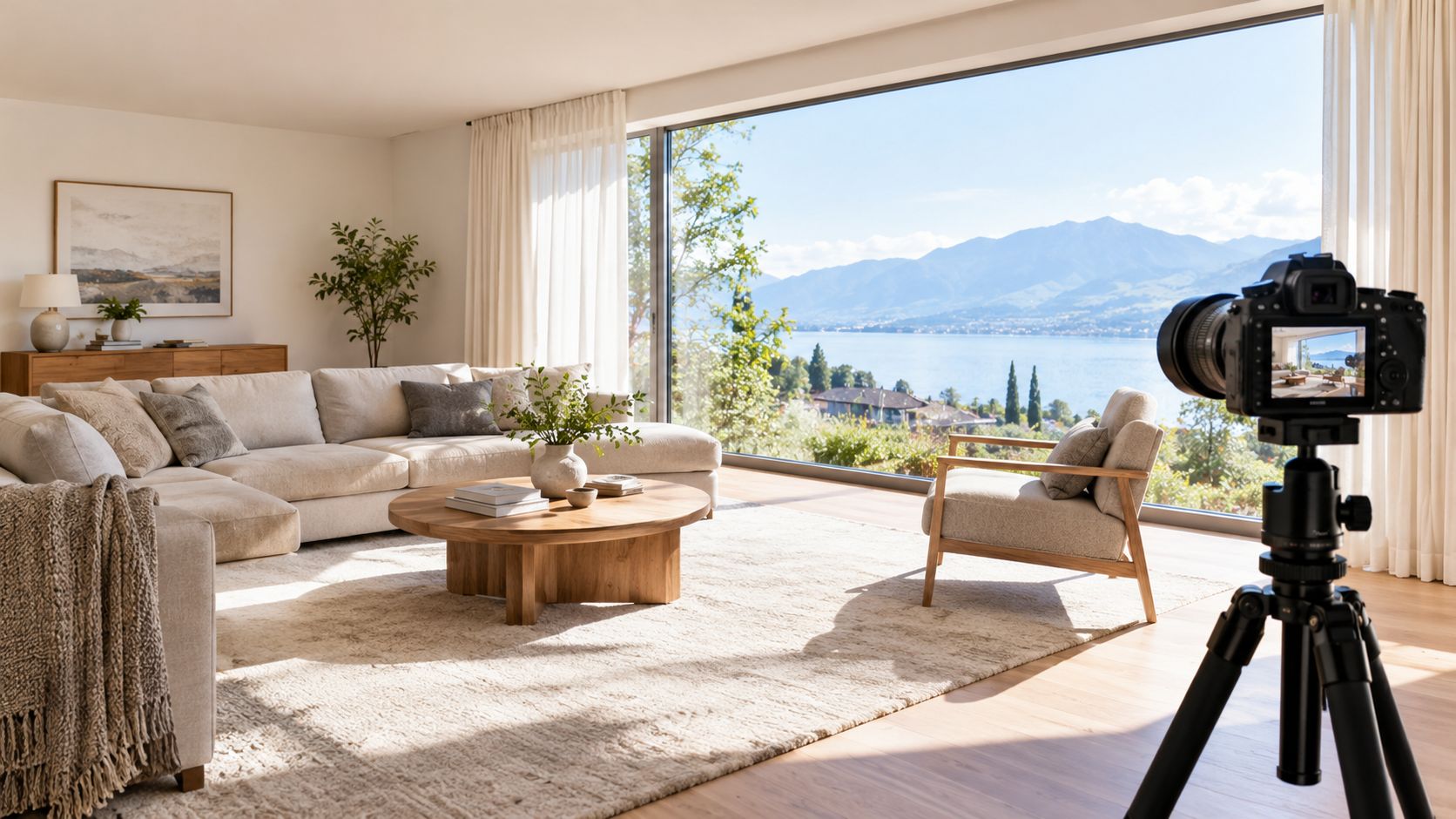
You've framed a room carefully. The furniture looks balanced, the verticals are straight, and daylight gives the space its character. Then you check the photograph: the window is white, the far corner is nearly black, and brightening the file makes the room look washed out.
Dynamic range photography starts with understanding that mismatch. But the solution isn't always to recover everything. A convincing architectural photograph needs believable light, readable materials, and enough detail for its intended use, whether that's a design portfolio, property listing, or campaign image.
What Dynamic Range Means in Photography
Dynamic range is the span between the brightest light a sensor can record and the darkest detail it can record usefully. In a bright-window room, the challenge is fitting both ends into the same exposure without sacrificing the parts that matter.
Think of that span as a ladder of light levels. A stop is a doubling or halving of exposure, like a dimmer switch whose clicks change light multiplicatively rather than by equal amounts.
The camera dynamic-range white paper defines the upper boundary as sensor saturation and the lower boundary as a signal-to-noise ratio of 1, and distinguishes usable sensor range from the numerical capacity of a 14-bit file. In plain language, the bright end is full, while the darkest measurable signal is only as strong as its noise.
Stops Aren't Bit Depth
Bit depth describes numerical encoding, not how much light the sensor can distinguish. More available codes don't automatically reveal cleaner detail in a dark cupboard or preserve texture in sunlit curtains.
A useful analogy is a ruler printed with very fine markings. Those markings help describe a measurement, but they don't make the object being measured any longer.
This diagram separates the main ideas.
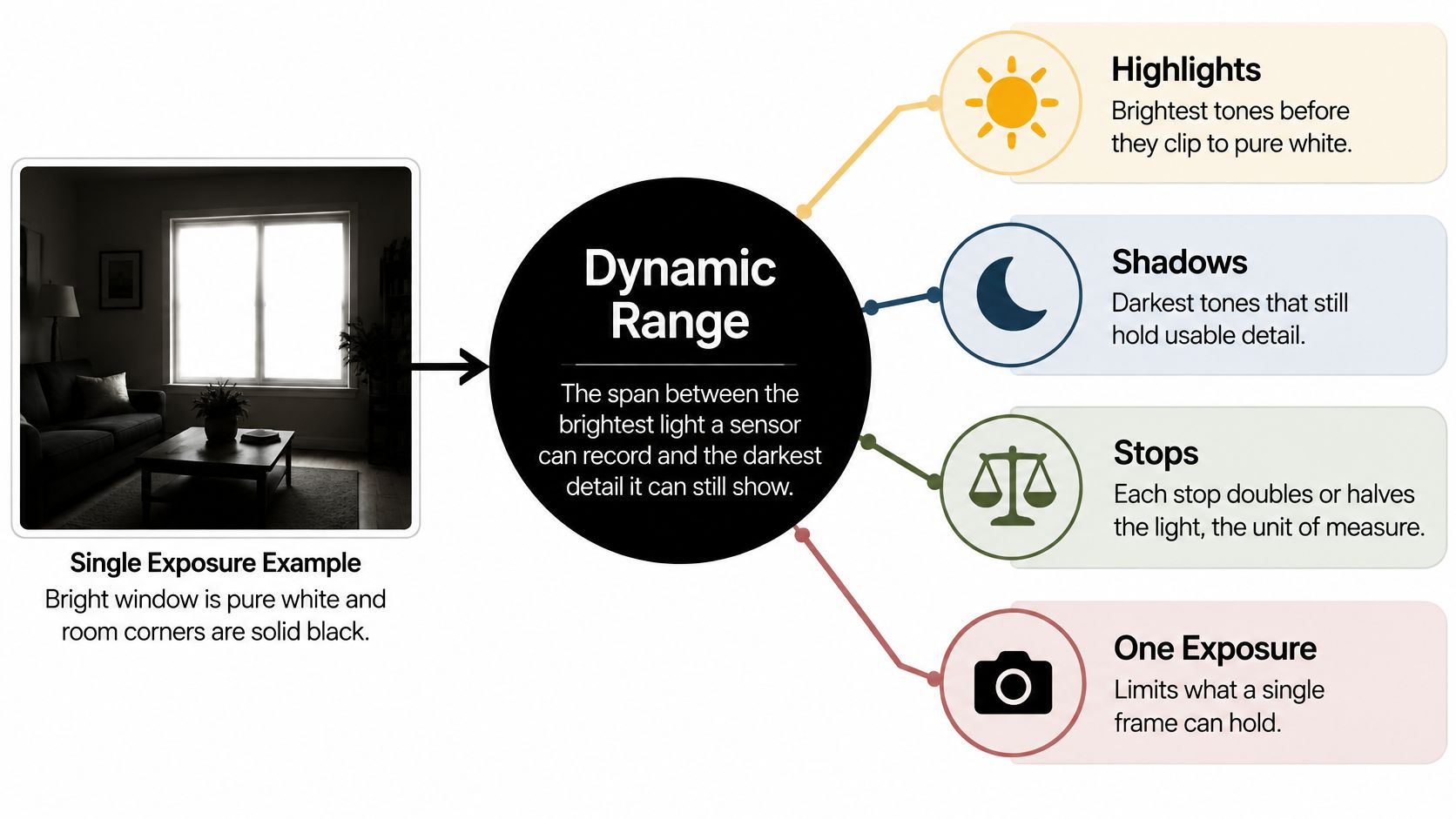
For a hypothetical room spanning ten stops from a sunlit window to a shaded corner, ask whether your camera can hold that spread at an acceptable noise level. Don't assume that a file's bit-depth setting answers the question.
Practical rule: Estimate the scene's brightness spread before deciding whether a single exposure is enough.
The important word is usefully. A sensor may register a dark surface without recording enough clean colour and texture for a polished architectural image.
When Sensor Range Meets Scene Range
Scene contrast and whether one frame is enough
| Scene type | Single frame? | Recommended approach |
|---|---|---|
| Overcast street or diffuse interior, no window in frame | Yes, comfortably | One exposure, expose for midtones |
| Interior with a window in frame at standard exposure | Usually, with highlight care | Expose for the window, lift shadows in RAW |
| Sunlit exterior with deep shade at midday | Borderline, often beyond practical limit | Bracket or use a graduated ND filter |
| Interior with bright window view and dark corners on a sunny day | No, as a working capture assumption | Bracket and fuse, add fill light if corners stay dark |
Treat these rows as starting decisions, not measurements. A north-facing window overlooking shaded trees is a different problem from a window facing a sunlit white wall, even when both occupy the same area of the photograph.
Your sensor has a capture limit. Your scene has a brightness spread between the lightest and darkest areas you need to retain. Neither the camera's format nor the room's appearance to your eyes tells you whether those limits align.
Measure the Important Surfaces
Use a spot meter or the camera's spot-metering mode. Keep ISO and aperture unchanged, read the brightest important window detail, then read the darkest interior surface that must remain legible.
Compare the recommended exposures in stops. That difference gives you a practical estimate of the scene contrast, provided you're comparing reflected-light readings consistently.
Don't meter a bare lamp filament unless its texture matters. Likewise, don't let an inaccessible black recess dictate the exposure if it contributes nothing to the photograph.
- At the bright end: Clipping removes texture and can erase colour differences in exterior walls or curtains.
- At the dark end: Heavy lifting can reveal grain, colour shifts, and weak material separation.
- At the delivery stage: A small listing image and a large portfolio print may tolerate different amounts of noise.
A single frame is sufficient when the important tones fit comfortably, not merely when the histogram stays inside its boundaries.
Test your own camera with a demanding room and inspect the processed result. A laboratory threshold isn't the same as the clean shadow quality you'd accept in pale cabinetry or smooth plaster.
If the measured spread fits your tested usable range and important highlights retain headroom, shoot a single RAW frame. Otherwise, plan a bracket or change the light before committing to the setup.
Exposure Choices That Protect Highlights Before You Bracket
Protect meaningful highlights first. Once a RAW channel is genuinely saturated, lowering the highlight slider can darken the patch, but it can't restore the missing texture.
Shadows offer more flexibility, within the limits of noise and colour accuracy. That makes the brightest important surface a sensible place to begin.
Set a Stable Exposure
- Use manual exposure: Keep the camera from changing brightness as you refine the composition.
- Choose base ISO: Start with the camera's native base setting rather than an extended low setting.
- Fix the aperture: Select depth of field deliberately, then adjust shutter speed on a stable tripod.
- Disable auto ISO: Otherwise, the camera may counteract your exposure decisions.
- Set consistent white balance: Use a fixed setting or neutral reference when daylight and warm lamps share the room.
Meter the window detail you intend to preserve. As a practical starting point, leave about a stop of safety below clipping, then refine that margin through a test capture rather than treating it as a universal sensor rule.
Use highlight warnings to identify risk, but remember that most cameras derive their histogram and preview from a processed image. Check a RAW-aware histogram in suitable software when available; a bright JPEG preview isn't conclusive evidence of RAW clipping.
Judge Light Before Adjusting Settings
Study the direction and falloff of the daylight, not just its brightness. This guide to window-light photography provides useful context for deciding where the camera and subject should sit.
For practising accurate colour and controlled reflections on smaller subjects, the artwork photography guidance for creative students offers a useful companion exercise.
A shorter exposure can protect a sunlit exterior, but it may leave the room unusably dark. When no exposure holds both, stop searching for a clever camera setting: you need additional captures or a lighting change.
How to Bracket and Fuse a High-Contrast Interior
Mount and level the camera. Lock the tripod, composition, focus, and lens focal length. Even a small framing change can complicate alignment around window mullions.
Set manual mode, base ISO, and a fixed white balance. Keep aperture unchanged so depth of field and rendering remain consistent.
Meter the window and the darkest required corner. Identify the endpoints before choosing the sequence. You need evidence that the darkest frame protects the view and the brightest frame records clean interior detail.
Place the middle exposure around the room's useful midtones. Don't force symmetry if the window needs extra protection; coverage matters more than a tidy bracket.
Capture the sequence using the table as a starting point. Change shutter speed only, and use a remote release or timer to avoid disturbing the camera. Check that the full programmed sequence fired.
Inspect for moving curtains, people, foliage, or changing sunlight. Reshoot when possible, especially if movement crosses detailed architectural edges.
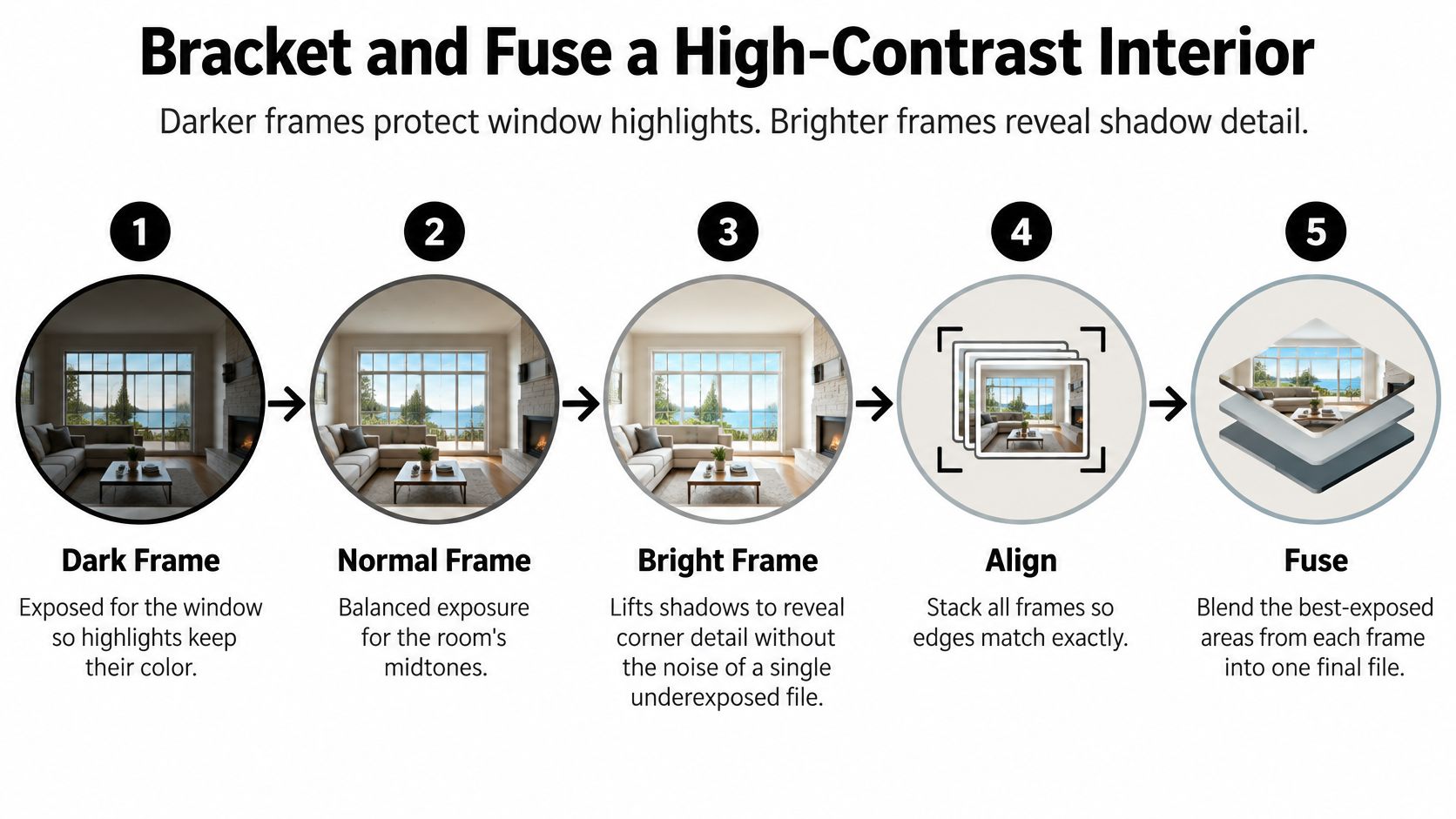
Align and combine the files. Choose exposure fusion for a direct display-ready blend, or an HDR merge when you want a broader intermediate file for subsequent tonal decisions.
The visual sequence makes the role of each exposure clear.
Choose Coverage, Not Just Frame Count
Darker captures preserve window information, while brighter captures record shadow information with less reliance on aggressive lifting. The multi-frame HDR photography paper describes how exposure fusion evaluates contrast, saturation, and well-exposedness rather than merely averaging the photographs.
Bracket frame count and spacing by scene contrast
| Scene contrast (stops) | Frames | Spacing between frames | Merge method |
|---|---|---|---|
| Under 9 | 1 | Not needed | Single RAW exposure |
| 9-12 | 3 | 2 stops | Exposure fusion |
| 12-15 | Enough to protect the window and cleanly expose the corner | 2 stops | Exposure fusion with deghosting |
| Above 15 | 7 | 1-2 stops | HDR merge, plus fill light or graduated ND |
These are practical starting recipes, not measured guarantees of capture capacity. Inspect the endpoint files before leaving the room; frame count alone can't establish whether you've recorded the necessary information.
The common slip is changing aperture, ISO, or exposure compensation halfway through, or allowing an automatic mode to shift the sequence. Check settings again after every substantial composition change.
When deciding whether to blend ambient exposures or introduce controlled lighting, these photography techniques for real estate agents offer a useful comparison.
This demonstration provides another way to follow the capture and blending process.
Finish by checking ghosting, especially translucent foliage and doubled curtain edges. If automatic deghosting damages texture, mask the moving element from a single suitable frame rather than trying to combine incompatible positions.
When to Use Filters, Fill Light or Tethering
| Tool | When it earns its place | Where it fails |
|---|---|---|
| Graduated neutral-density filter | A dominant bright band, usually sky | Irregular boundaries and objects crossing the transition |
| Bounced fill light | Dark areas in a controlled interior | Reflections, mismatched colour, or flattened lighting |
| Tethering | Detailed review and on-site approval | Restricted movement or unreliable connections |
These tools solve different problems. A filter changes the light reaching the lens, fill changes the room's illumination, and tethering improves your ability to inspect and approve the capture.
Filters and Fill Change the Capture
A graduated neutral-density filter darkens part of the frame. It works most predictably outdoors when a bright sky sits above a reasonably clean horizon.
A hard transition can suit a straight boundary, but it can also darken trees, rooflines, or upper floors that cross it. An interior window rarely matches the filter's shape, so reserve graduated filters primarily for exteriors rather than treating them as a universal window solution.
Bounced fill light is more useful when the dark area is inside the room. Aim a strobe or LED panel into a neutral ceiling or wall, then inspect the resulting reflections in glass, polished stone, and cabinetry.
Keep the fill visibly subordinate to the main daylight. A practical starting relationship is roughly one to two stops below the ambient key, adjusted by appearance so the original lighting direction remains clear.
Match fill colour to the daylight you're supporting, while allowing decorative lamps to retain an intentional warmth. This guide to lighting for interior photography helps with that balance.
Tethering Changes the Review Process
Tethering sends captures to a laptop or larger display, where you and the client can inspect framing, focus, and exposure before moving equipment. It's particularly useful when an image must demonstrate material relationships or a specific lighting effect.
For spaces with daylight-responsive controls, understanding energy-saving daylight integration can help you anticipate why electric lighting changes as daylight changes. Confirm the intended lighting state with the facilities contact before photographing it.
Tethering doesn't increase dynamic range. It requires a secure cable route or dependable wireless connection, adds equipment, and can slow movement between setups.
On-set decision: Use a filter for a bright band, fill for a dark room zone, and tethering when approval must happen before the camera moves.
Post-Production Workflow From RAW to Final File
Editing should reveal what the capture holds, not disguise missing information. Keep a restrained reference image visible so that each adjustment has something credible to answer to.
Synchronize RAW preparation. Apply consistent white balance, lens correction, and noise settings across the sequence. Avoid independent automatic adjustments that make neighbouring exposures behave differently.
Set the middle frame's global exposure so the room's midtones look convincing. Judge plaster, timber, and upholstery rather than trying to centre the histogram.
Prepare the darkest frame for the window. Reduce highlights enough to inspect the captured texture and colour. Stop if exterior surfaces become grey or oddly dense.
Lift the brighter frame's shadows only as far as noise allows. Inspect fine texture at full magnification, then return to a normal viewing size to judge whether the correction is actually useful.
Fuse or merge the prepared captures. Compare the result with the middle frame, paying particular attention to the direction of light. More visible detail isn't automatically a better description of the room.
Mask the window and dark corners separately where necessary. Feather transitions without letting adjustments spill across mullions, rooflines, or furniture edges; this guide to photo-editing masking explains the control that selective editing provides.
Apply local tone mapping gently. Inspect bright-dark boundaries for halos, then check smooth walls for exaggerated texture. Reduce the effect if the room starts looking evenly illuminated from every direction.
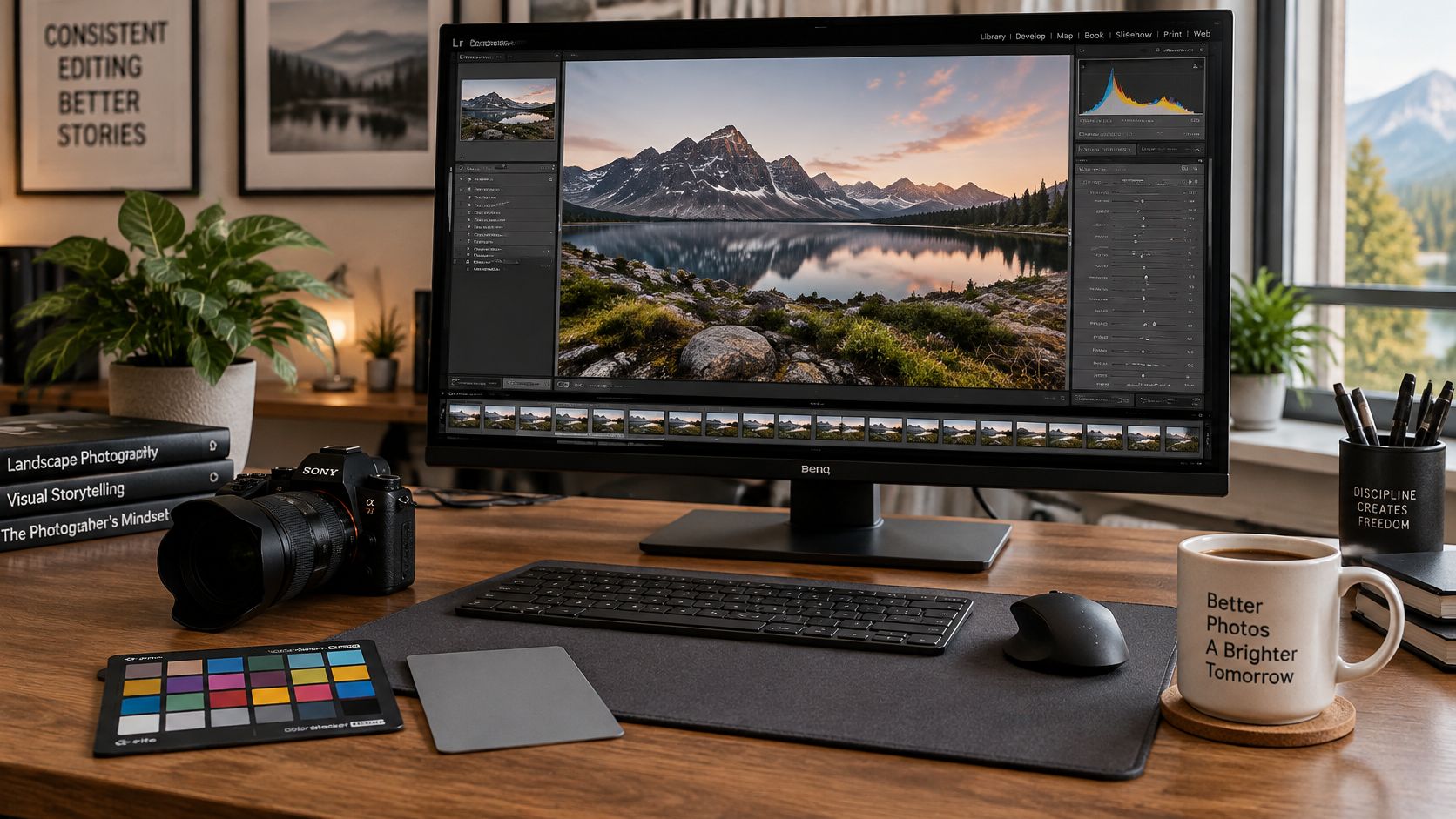
Use a workspace that lets you compare the full composition with detailed views.
Choose the Tone Mapping That Fits the Image
Tone mapping compresses a scene's recorded luminance range into the range available for reproduction. The HDR imaging pipeline paper distinguishes global mapping, which applies a broad tonal relationship, from local mapping, which adjusts tones according to neighbouring regions.
A global curve often preserves an understandable relationship between the window, nearby surfaces, and distant corners. Local adjustments can retain separation in difficult areas, but aggressive settings can produce halos and brittle-looking textures.
Don't stack strong clarity, texture, sharpening, and local tone mapping just because each adjustment looks useful on its own. Judge their combined effect on plaster, fabric, and reflected daylight.
Keep the shadow that explains the shape. Remove the darkness that hides necessary information.
Finish at the actual publication size and on a representative output device. A file that looks impressive under magnification can feel flat, harsh, or implausibly bright when viewed as a complete photograph.
Choosing Your Look and Gear Before the Shoot
A photograph with less visible tonal range can describe a refined interior more truthfully than an image that reveals every recess. Credibility depends on coherent light, not complete tonal disclosure.
A controlled tone-mapping perception study found perceptual differences between global and local operators, with local methods generally favoured for perceived appearance. That doesn't mean the strongest local treatment suits architecture; choose the rendering that preserves the room's spatial and material relationships.
Output target, look and risk to avoid
| Output target | Look to aim for | Risk to avoid |
|---|---|---|
| Design portfolio | Naturalistic, with believable window gradients and material tones | Crunchy local contrast and halos around rooflines |
| Planning document or listing | Accurate colour and every room readable | Shadows lifted so far that fixtures and textures look fake |
| Brand campaign or editorial spread | Publication-style, with controlled highlights and intended contrast | Clipped window detail from over-aggressive tone mapping |
| HDR display delivery | Separate HDR master with wider peak luminance | Dull or clipped result when converted to standard display |
Plan the Look and the Delivery Together
Naturalistic treatment suits design portfolios and planning records where material authenticity matters. Detail-maximized treatment belongs in technical documentation where small features must remain readable, while publication-style treatment allows deliberate contrast for editorial or campaign use.
Capture and reproduction are separate decisions. The HDR visual-quality review explains why conventional displays and printed media require luminance compression, which can change perceived lightness, colourfulness, and contrast.
Prepare separate HDR and SDR masters when both are required. Soft-proof representative screens and print conditions, checking window views, shadow readability, and neutral materials rather than assuming an automatic conversion will preserve your intent.
Record the delivery choices alongside the exposure plan.
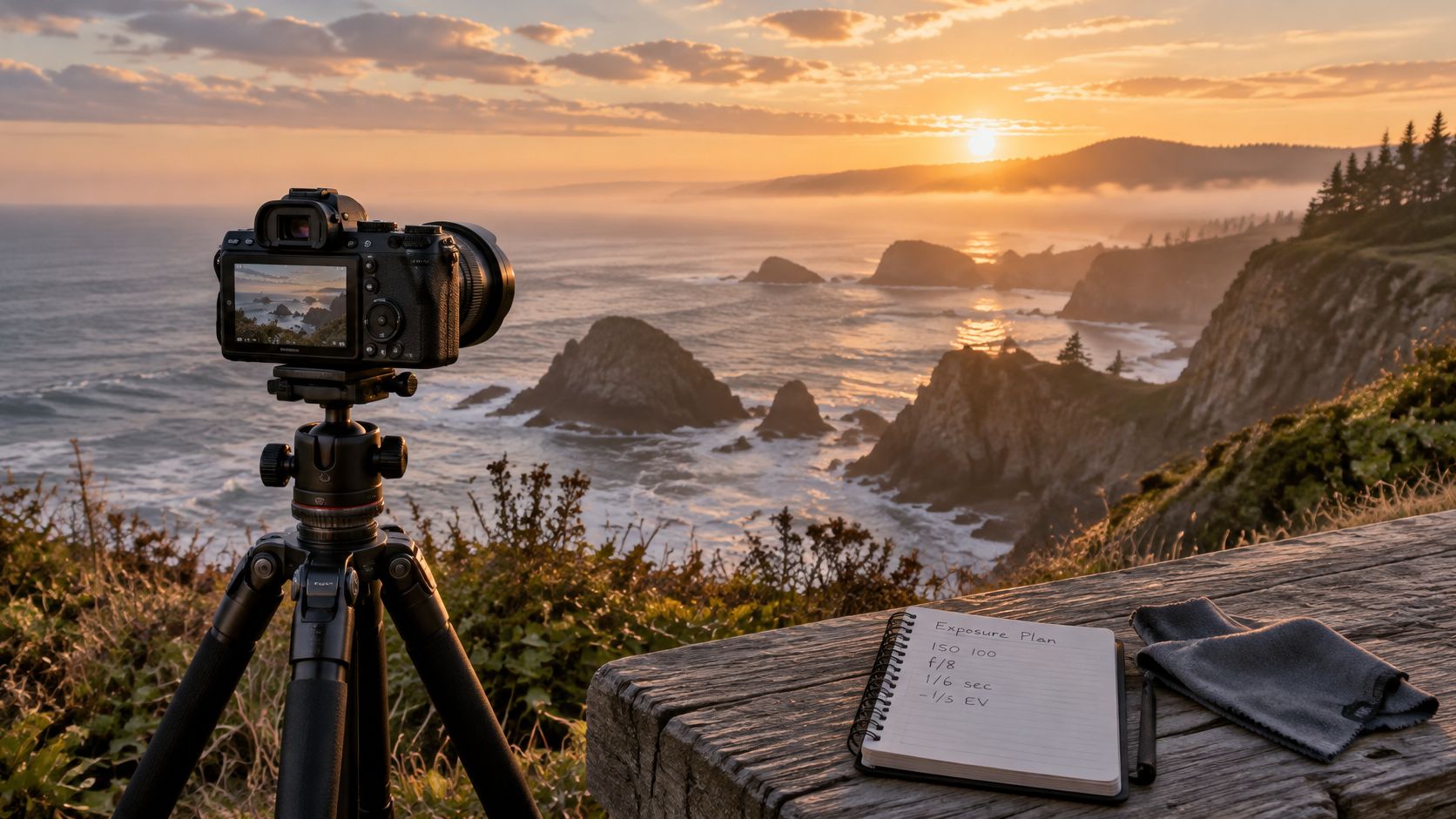
Before arriving, name the output target, select the appropriate look, and reserve time for brackets and tethered approval. Add a graduated filter for suitable exteriors or fill equipment for interiors only when the scene calls for it.
For architectural imagery that balances window detail with believable interior light, visit Jimmy Clemmons Photographer to discuss location scouting, lighting, multi-exposure capture, and professional editing. Share your intended portfolio, listing, or campaign use so the shoot can be planned around the final images you need.